# Tab Switcher
> The Tab Switcher provides a quick way to navigate between open tabs in Zed. It displays a list of your open tabs sorted by recent usage, making it easy to ju...
- 网址:https://funcoding.ai/agents/zed/tab-switcher/
- 来源:Zed 官方文档原文(英文),Apache-2.0 / GPL-3.0 许可,同步于 2026-10-11
- 官方原文:https://zed.dev/docs/tab-switcher
---
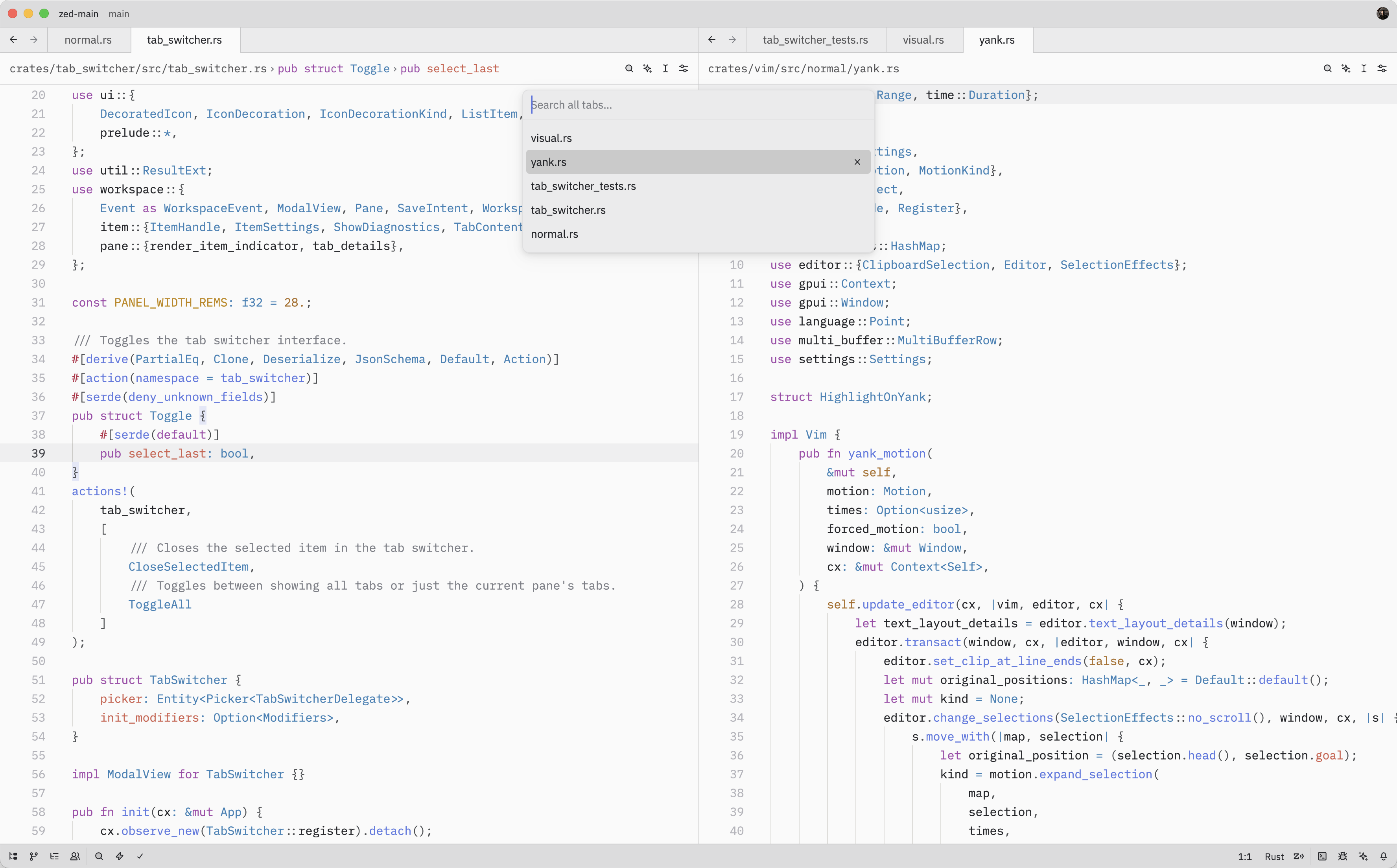
The Tab Switcher provides a quick way to navigate between open tabs in Zed. It
displays a list of your open tabs sorted by recent usage, making it easy to jump
back to whatever you were just working on.
## Quick Switching
When the Tab Switcher is opened using `tab_switcher::Toggle`, instead of
running the `tab_switcher::Toggle` from the command palette, it'll stay
active as long as the ctrl key is held down.
While holding down ctrl, each subsequent tab press cycles to the next item (shift to cycle backwards) and, when ctrl is released, the selected item is confirmed and
the switcher is closed.
## Opening the Tab Switcher
The Tab Switcher can also be opened with either `tab_switcher::Toggle` (`tab_switcher::Toggle`)
or `tab_switcher::ToggleAll` (`tab_switcher::ToggleAll`).
While the Tab Switcher is open, you can:
- Press `menu::SelectNext` to move to the next tab in the list
- Press `menu::SelectPrevious` to move to the previous tab
- Press `menu::Confirm` to confirm the selected tab and close the switcher
- Press `menu::Cancel` to close the switcher and return to the original tab from which
the switcher was opened
- Press `tab_switcher::CloseSelectedItem` to close the currently selected tab
As you navigate through the list, Zed will update the pane's active item to
match the selected tab.
## Action Reference
| Action | Description |
| ----------------------------------------- | ------------------------------------------------- |
| `tab_switcher::Toggle` | Open the Tab Switcher for the current pane |
| `tab_switcher::ToggleAll` | Open the Tab Switcher showing tabs from all panes |
| `tab_switcher::CloseSelectedItem` | Close the selected tab in the Tab Switcher |