Downgrading GitHub Copilot for your enterprise
You can downgrade organizations in your enterprise from Copilot Enterprise to Copilot Business.
-
Navigate to your enterprise. For example, from the Enterprises page on GitHub.com.
-
At the top of the page, click credit-card Billing and licensing.
-
In the "Billing and licensing" sidebar, click law Licensing.
-
In the "Copilot" section, click Manage.
-
Click the organization Organizations tab.
-
Locate the organization for which you want to downgrade Copilot.
-
To the right of the organization name, select the Copilot dropdown menu, and click Business.
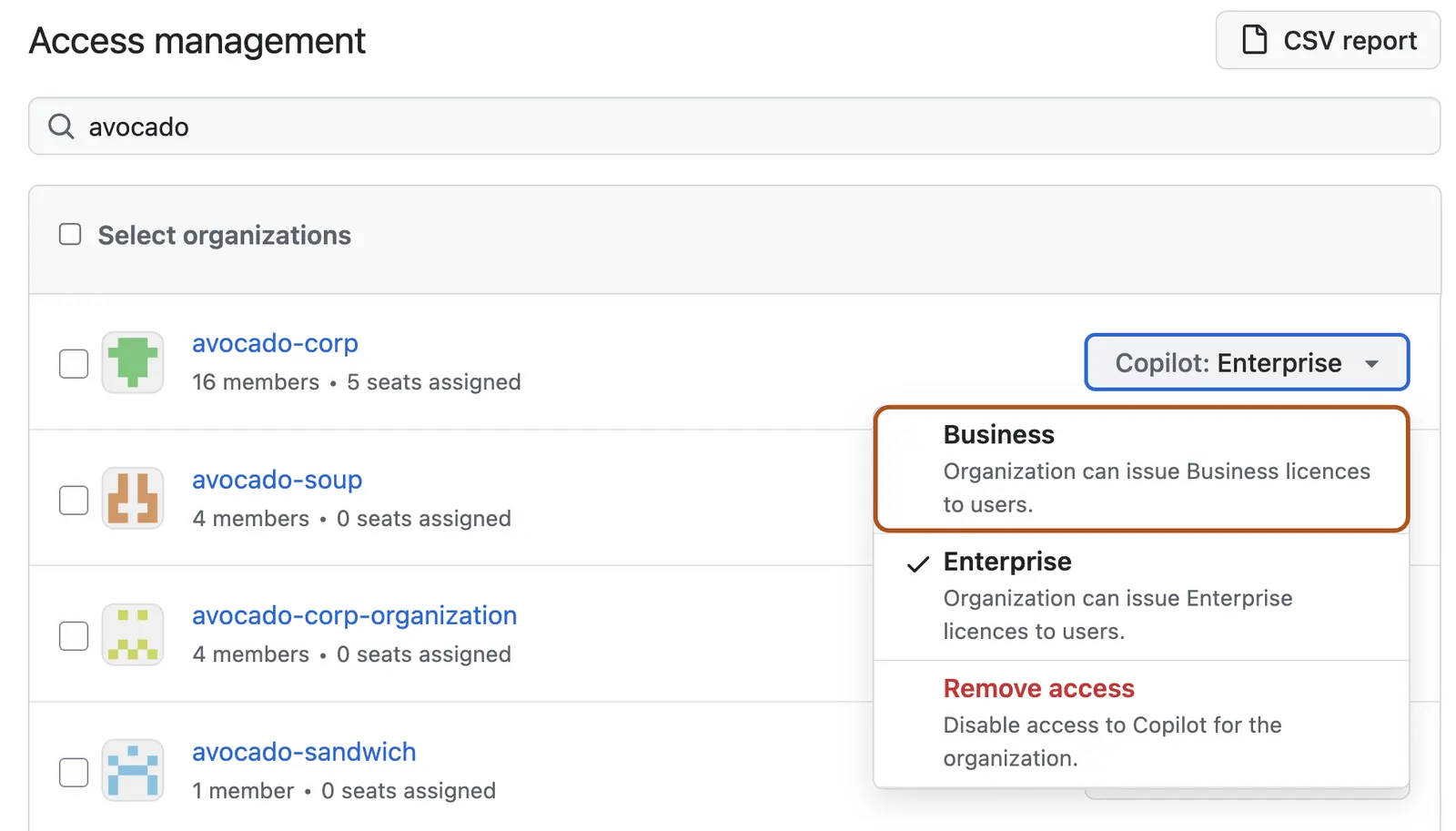
-
In the pop-up window that appears, review the effects of downgrading the organization, then click Confirm and downgrade.