Factory creation access - On an existing Warp team, you need team or workspace admin access, or the team-level Warp Factories Editor role. See factory roles and permissions.
Repository access - Access to the repositories you want the factory to work on. If your organization restricts connections to Warp, involve a code-host administrator.
Set up your factory
For GitHub and GitLab repositories, an agent connected to Factory MCP can run this whole setup. Use the web setup wizard for Azure DevOps. If the wizard is still open when the agent finishes, refresh the page to see the new factory.
Open the <a href=https://platform.warp.dev>Warp Factories web app and sign in. Choose the Warp team that will own the factory, then click + next to Factories.
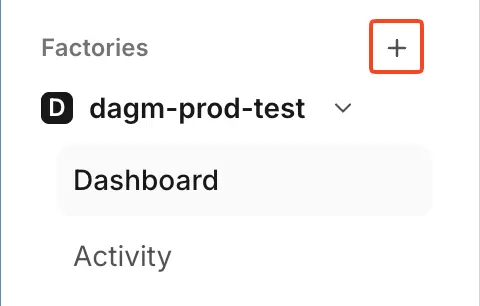
The factory setup control in the sidebar.
Under Connect your code hosts, connect GitHub, GitLab, or Azure DevOps. Choose the GitHub organization, GitLab group, or Azure DevOps organization and project to connect.
Azure DevOps organizations require one-time administrator approval. The setup flow lets you send the approval link to the required administrators.
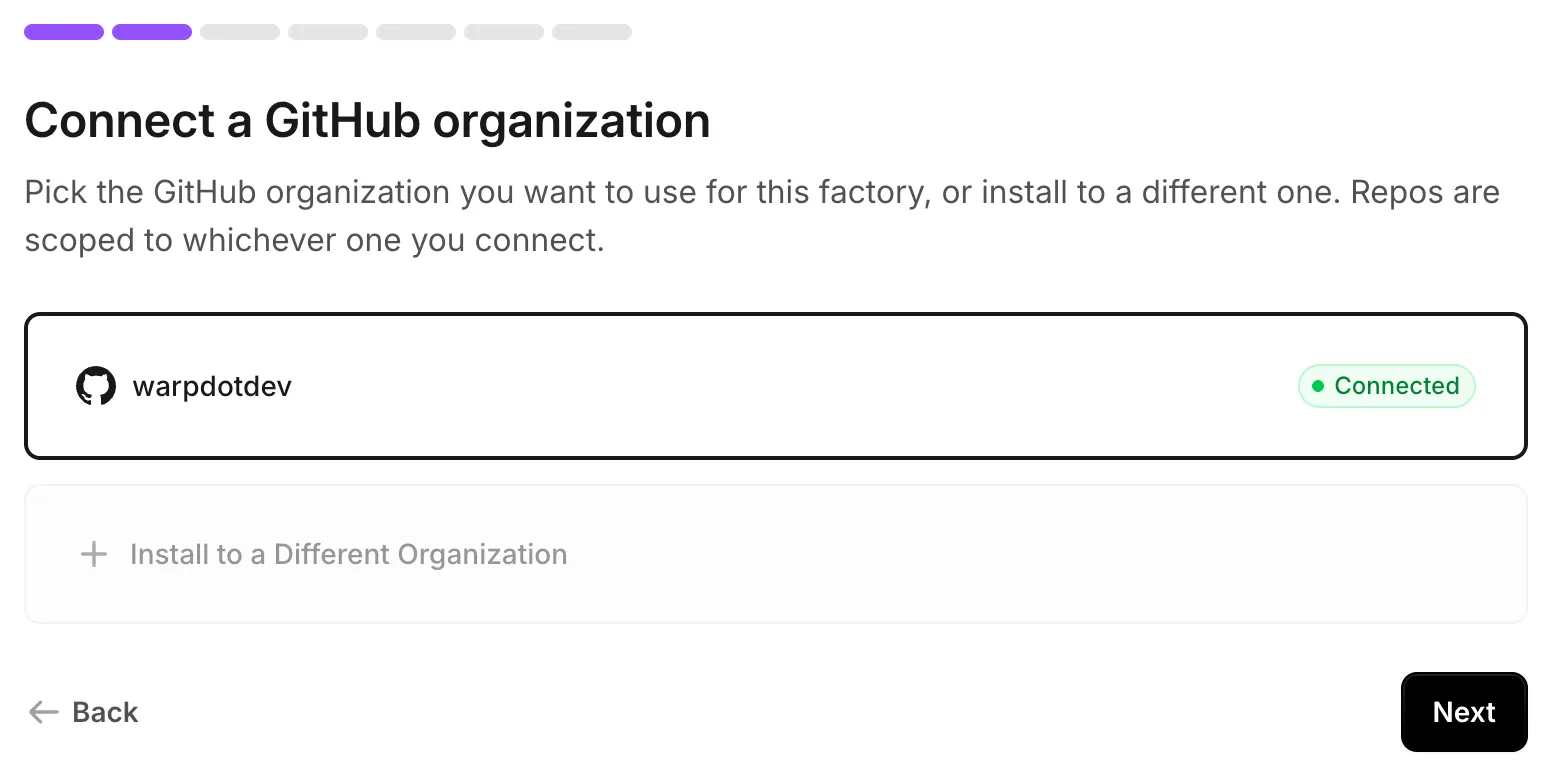
Connected GitHub organizations available during setup.
On Select your repos, select one or two repositories that ship together, then click Add repos. See sizing a factory before adding a repository already covered by another factory.
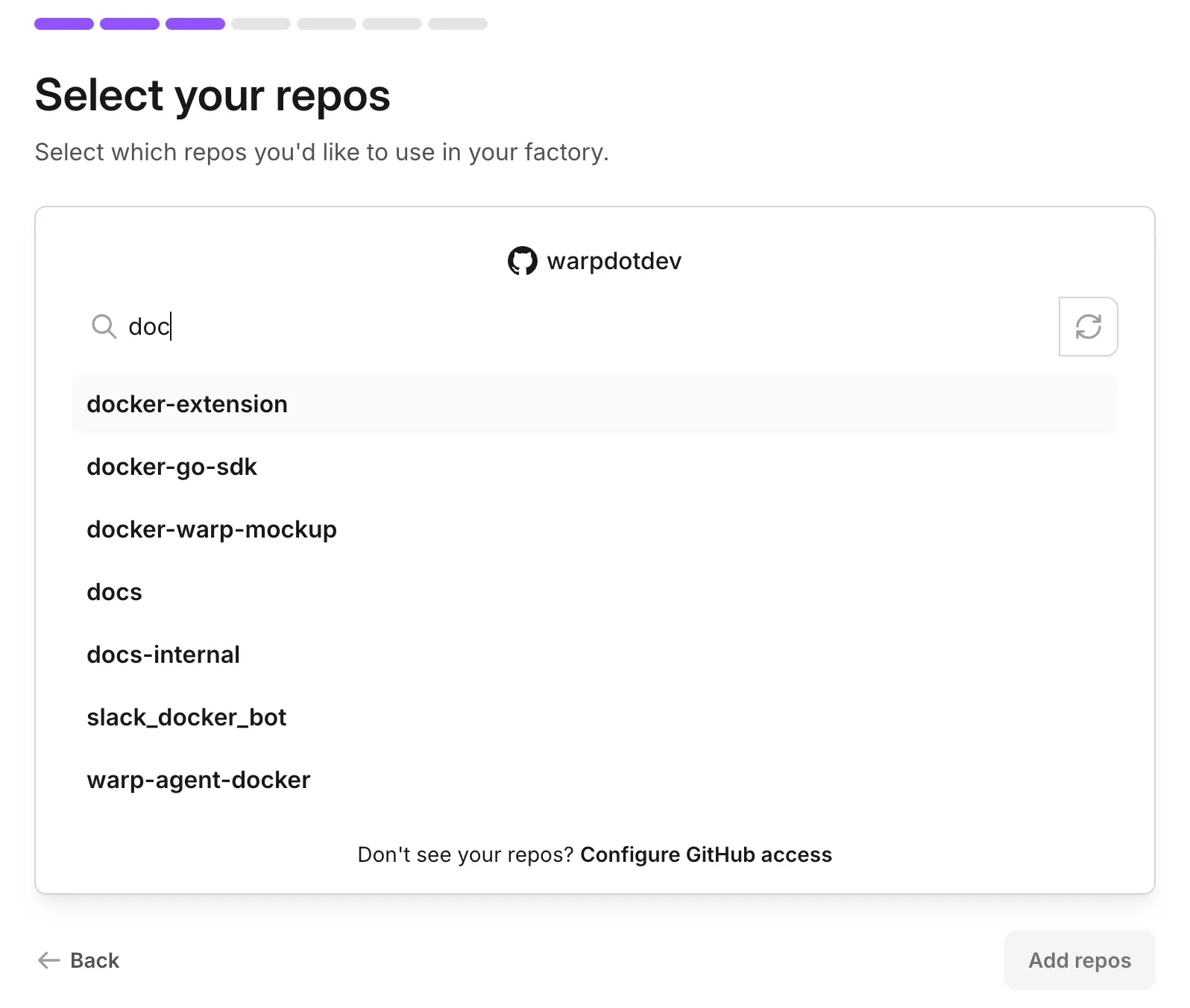
The repository selector for factory setup.
Name the factory. This also sets its Foreman name, the handle your team @-mentions in Slack and Linear.
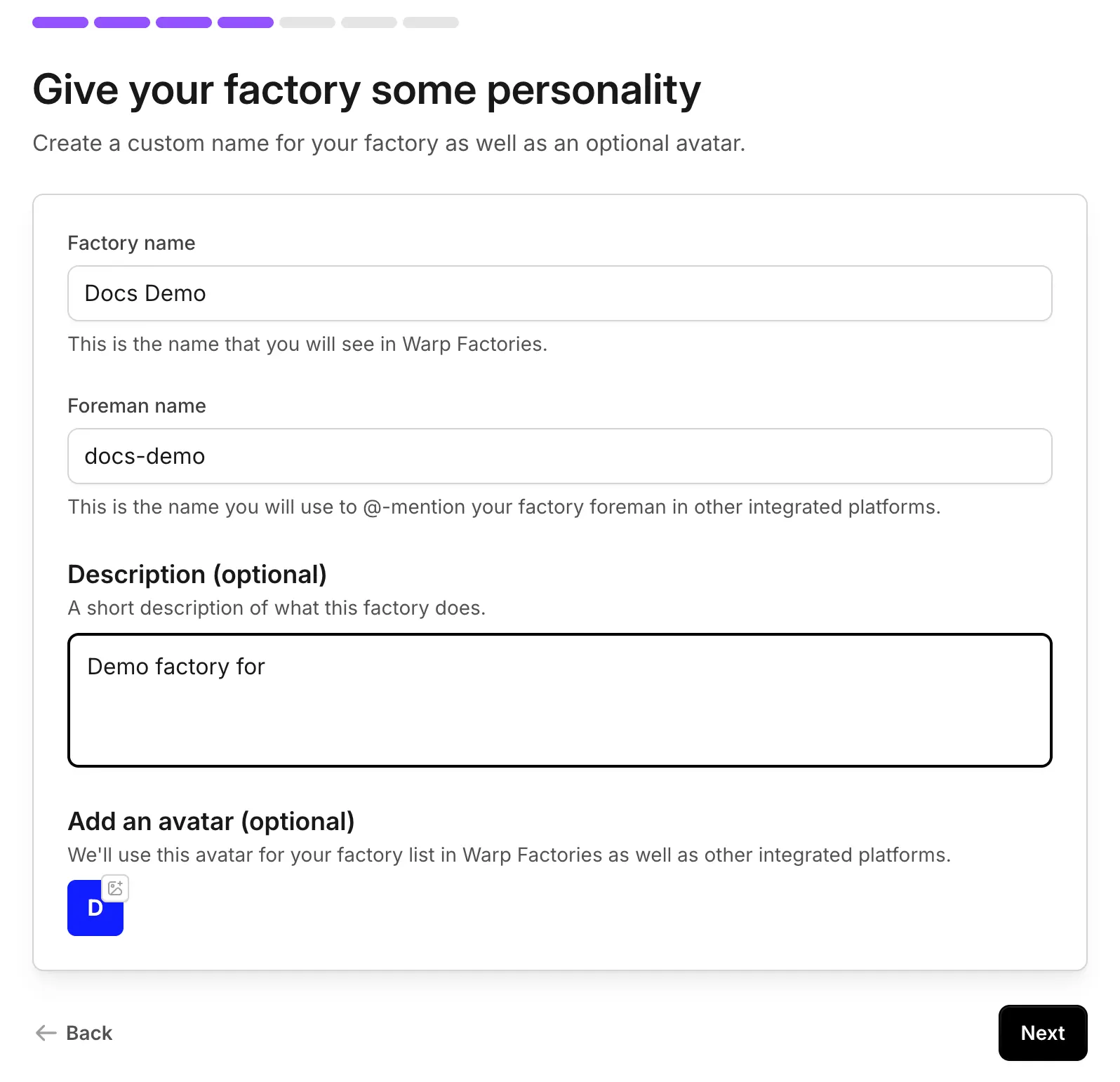
Identity settings for the factory and foreman.
Choose which agents the foreman can dispatch. Leave Implement enabled so this quickstart ends in a pull request. See factory agents for details.
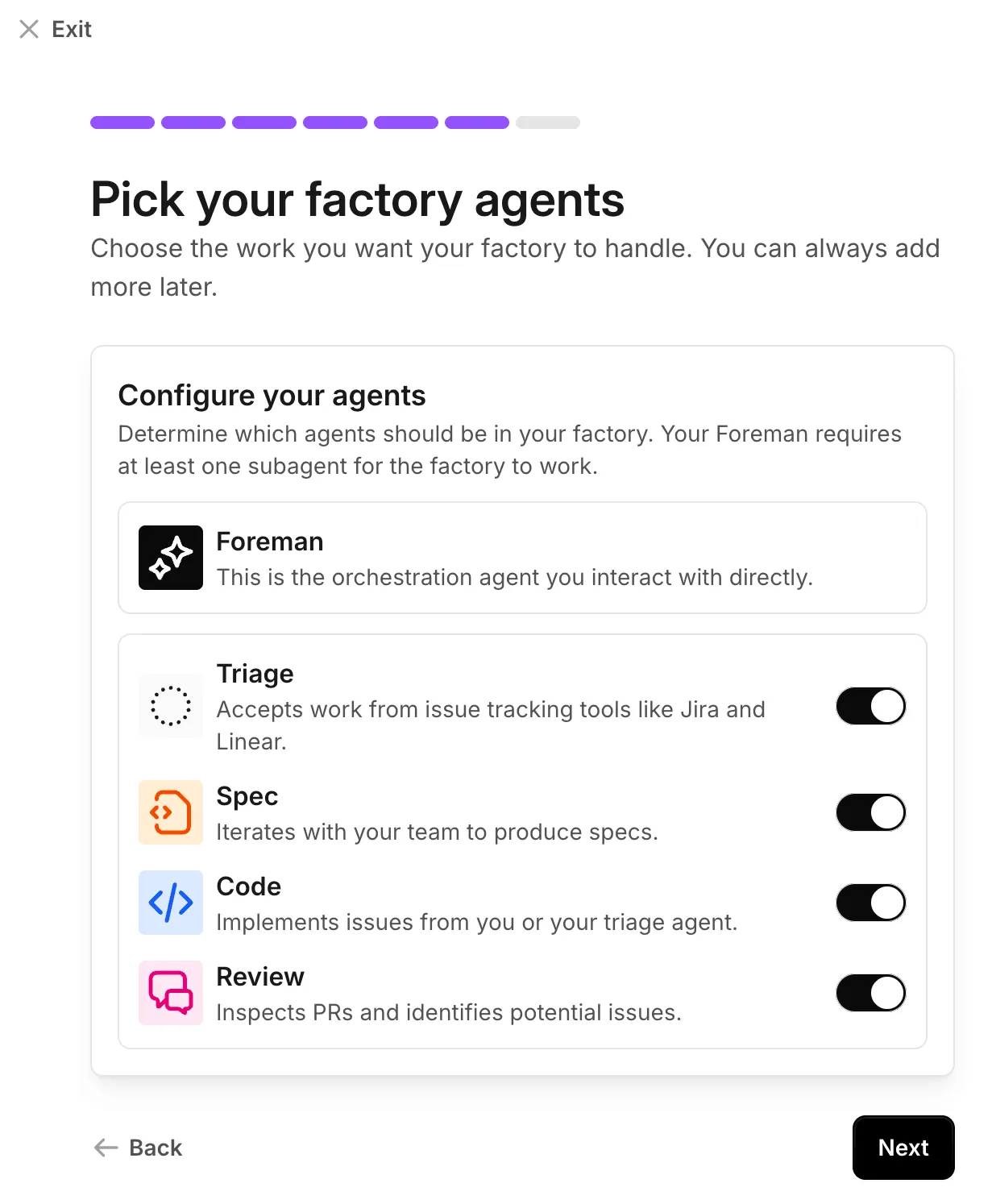
Default factory agents enabled during setup.
Optionally, connect Slack and an issue tracker. You can add either later from connect your factory.
Send work from Slack or an issue tracker. If you skipped integrations, start a run from the Runs page of the factory's dashboard.
Describe one small, verifiable change and send it:
Example first request
Add a "Local development" section to README.md that summarizes the setupsteps from CONTRIBUTING.md. Keep the change to that one file, run therepo's lint check, and open a pull request.
The foreman dispatches the agents needed for the request and posts progress where it started. Follow the foreman and child runs on the factory's Runs page. Requests for input also appear in your inbox.
If you connected Slack, you can follow along there instead:
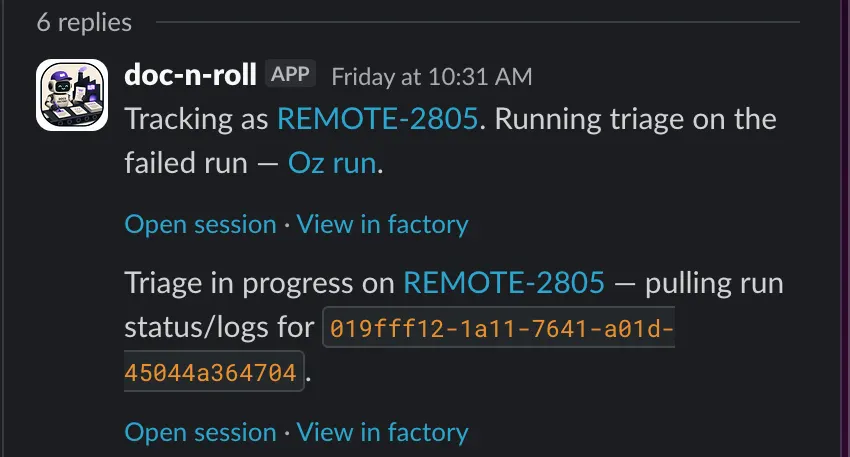
A factory Slack thread with live progress.
When the foreman hands back the pull request, review the changes and validation results, then merge it according to your normal process.