Featured
Metabase
Search, query, and visualize Metabase data, all scoped to user permissions.
MEmetabase/metabase50k156 new stars in the last 7 days
Give your coding agent access to your Figma data. Implement designs in any framework in one-shot.



Give Cursor and other AI-powered coding tools access to your Figma files with this Model Context Protocol server.
When Cursor has access to Figma design data, it's way better at one-shotting designs accurately than alternative approaches like pasting screenshots.
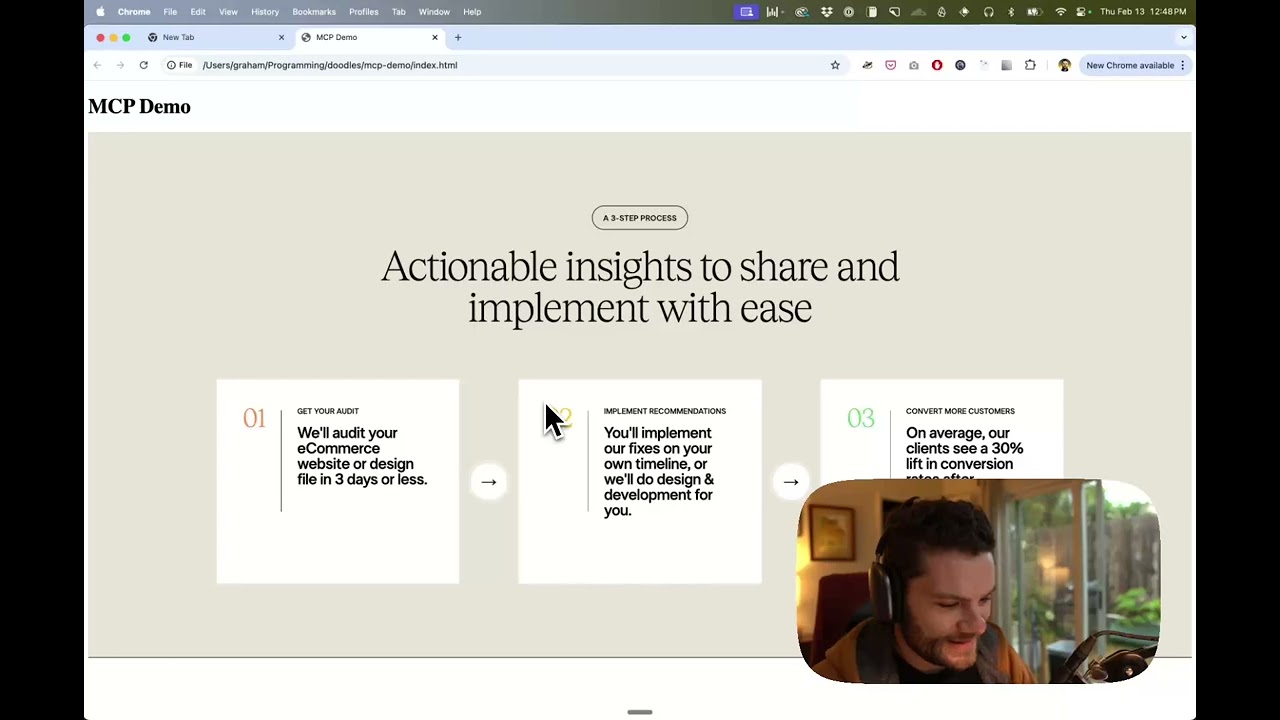
Watch a demo of building a UI in Cursor with Figma design data
This MCP server is specifically designed for use with Cursor. Before responding with context from the Figma API, it simplifies and translates the response so only the most relevant layout and styling information is provided to the model.
Reducing the amount of context provided to the model helps make the AI more accurate and the responses more relevant.
Many code editors and other AI clients use a configuration file to manage MCP servers.
The figma-developer-mcp server can be configured by adding the following to your configuration file.
NOTE: You will need to create a Figma access token to use this server. Instructions on how to create a Figma API access token can be found here.
{
  "mcpServers": {
    "Framelink MCP for Figma": {
      "command": "npx",
      "args": ["-y", "figma-developer-mcp", "--figma-api-key=YOUR-KEY", "--stdio"]
    }
  }
}
{
  "mcpServers": {
    "Framelink MCP for Figma": {
      "command": "cmd",
      "args": ["/c", "npx", "-y", "figma-developer-mcp", "--figma-api-key=YOUR-KEY", "--stdio"]
    }
  }
}
Or you can set FIGMA_API_KEY and PORT in the env field.
If you need more information on how to configure the Framelink MCP for Figma, see the Framelink docs.
The Framelink MCP for Figma is simple but powerful. Get the most out of it by learning more at the Framelink site.
Search, query, and visualize Metabase data, all scoped to user permissions.
MEmetabase/metabase50k156 new stars in the last 7 days
Describe a diagram in a sentence to generate architecture diagrams, select shapes to edit, and undo every change.
DADayuanJiang/next-ai-draw-io37k249 new stars in the last 7 days
Turn any GitHub repo into an interactive architecture diagram, with Mermaid source and a narrated video.
AHahmedkhaleel2004/gitdiagram19k135 new stars in the last 7 days
A library of Agent Skills designed to work with the Stitch MCP server. Each skill follows the Agent Skills open standard, for compatibility with coding agents such as Antigravity, Gemini CLI, Claude Code, Cursor.
GOgoogle-labs-code/stitch-skills8.7k44 new stars in the last 7 days
Read Figma designs, replace text in bulk, and propagate component overrides.
GRgrab/cursor-talk-to-figma-mcp7.1k12 new stars in the last 7 days
Search React and Tailwind components and generate new UI from your editor.
2121st-dev/magic-mcp6.4k87 new stars in the last 7 days